

Essential Tech Gear For Digital Nomads: My 34 Items
In November 2023, I’ll celebrate 4 years of continuous slow travel as a nomad.
I’m fortunate enough to work on the road, so this tech gear essentials list reflects my remote worker setup. You’ll need less if you’re not working while traveling.
Three other relevant points for your own packing list:
- Sound items: I’m sensitive to sound, so you’ll probably need fewer of these items.
- Backup items: You might be more willing to live on the edge and need fewer items. I’m sometimes in a rural area where I cannot buy replacements.
- Weight: Other than the MacBook, everything is lightweight. Don’t forget to consider this when making your own list.
Ready for my packing justifications?
Time for my nomad essentials list #2 (see the first article on clothes)
Note: All the items in the picture above add up to 34 pieces. The numbered list below is lower because I combined some items for discussion. If you want the full list of essential tech gear for digital nomads, you can find it here.
Essential Tech Gear For Digital Nomads: Work and Laptop Setup
1. MacBook Air (13-Inch)
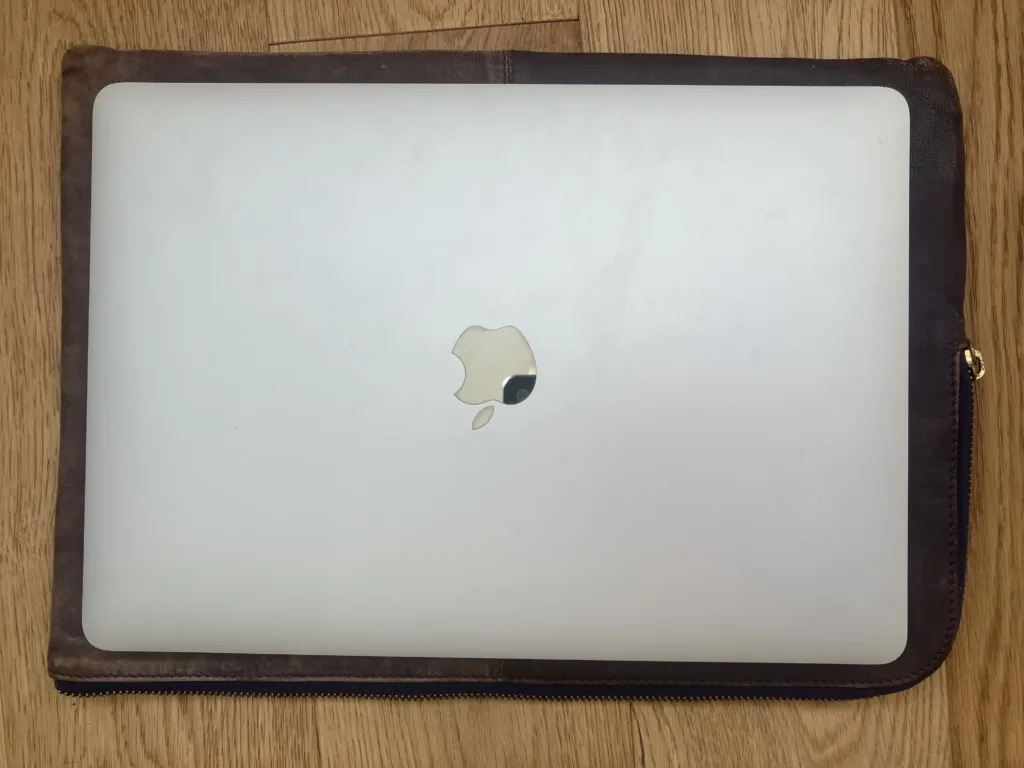
This is the best Mac size I’ve found for on-the-road remote work — a MacBook Pro is too large (and heavy) for me.
If you’re not working on the road, you can get away with a tablet and a keyboard.
2. Macbook charger + 2 converters
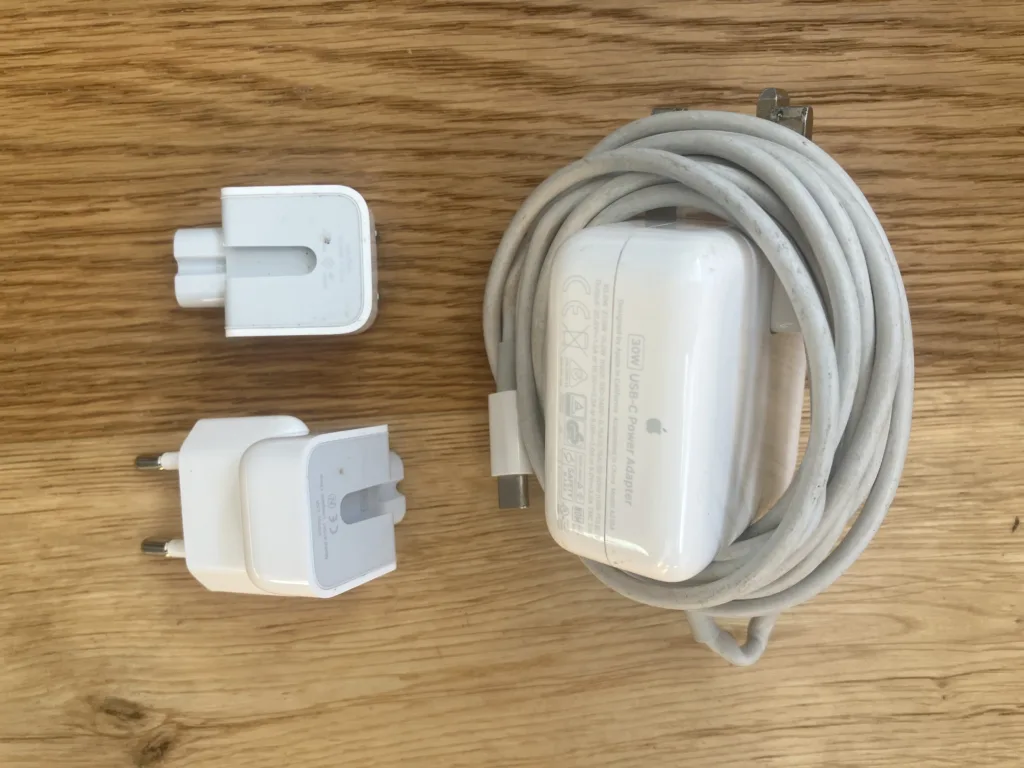
In countries with different electrical outlets than your home country, you may think you can simply plugin your MacBook charger into an adapter.
Please don’t try this. It will slowly (or quickly!) fry your laptops.
For example, in Europe, outlets are 220 volts, while they’re 110 in the United States. I actually slowly ruined one of my old laptops by plugging it into an adapter.
Now, I haven’t ever traveled with one of those heavy universal converters (different from an adapter), but I still wouldn’t risk it.
Buy these Mac charger converters by country instead. It will save you a bundle in the long run.
3. Logitech wireless mouse
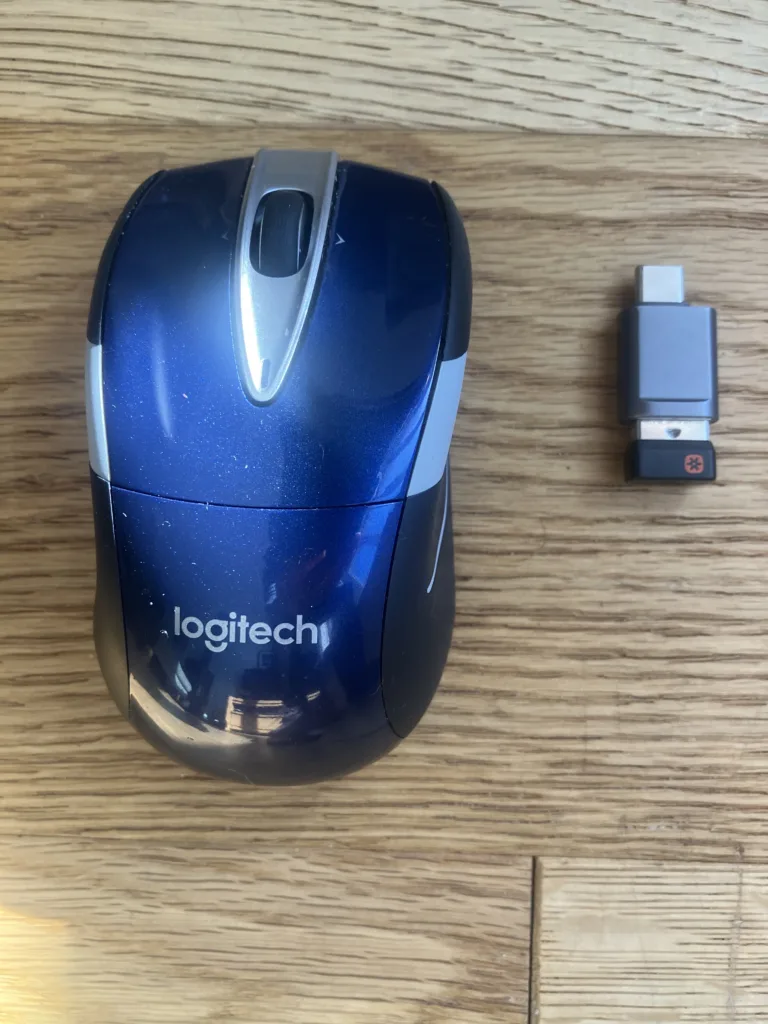
This Logitech beauty has been with me for at least a decade. The double-aa batteries take well over a year to wear out.
Select your mouse carefully. I’ve tried other models, and they hurt my hand/wrist almost immediately, and it’s often hard to find alternatives while you’re traveling.
4. (Extra) camera cover + screen cleaner
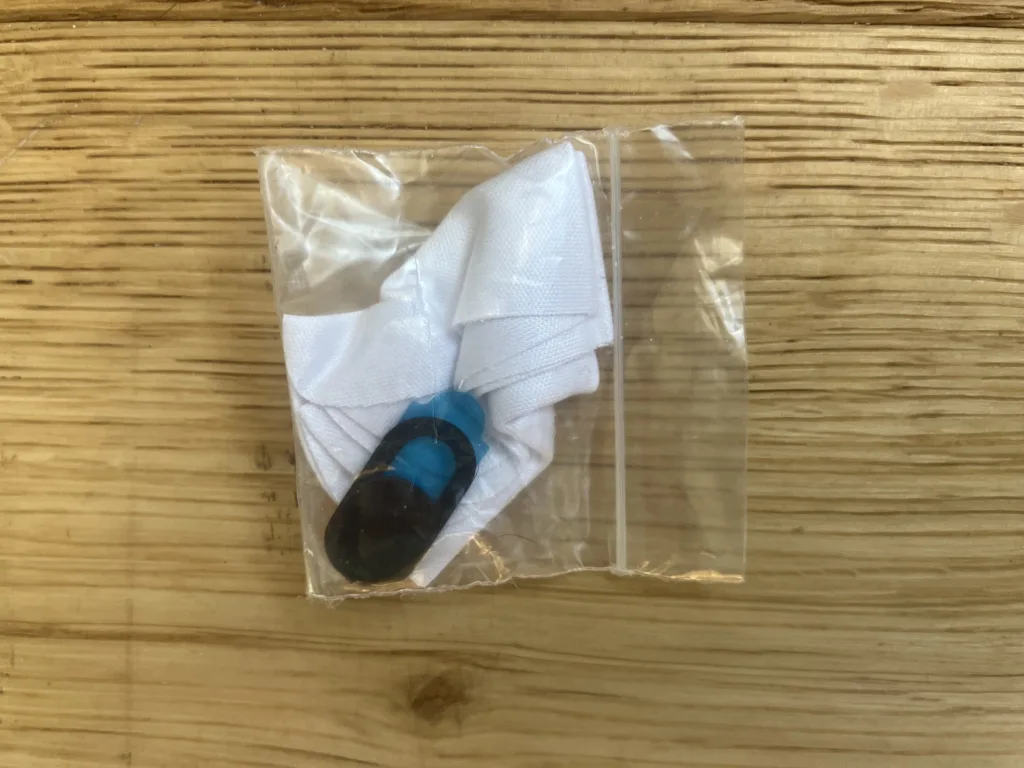
I’m sure Big Brother is already watching me through my computer and phone, but it’s nice to have the illusion that my camera is well and truly off.
I bought these tiny sticky plastic sliding window things for my webcam and have an extra with me since it doesn’t weigh anything.
I also have a screen cleaner cloth — the kind you use for glasses. If anyone has found a good solution to keeping your laptop screen clean while traveling, let me know in the comments.
My latest solution (will probably horrify tech nerds) is to use those glass cleaner wet wipes to clean my screen.
5. Computer glasses + aluminum carrying case
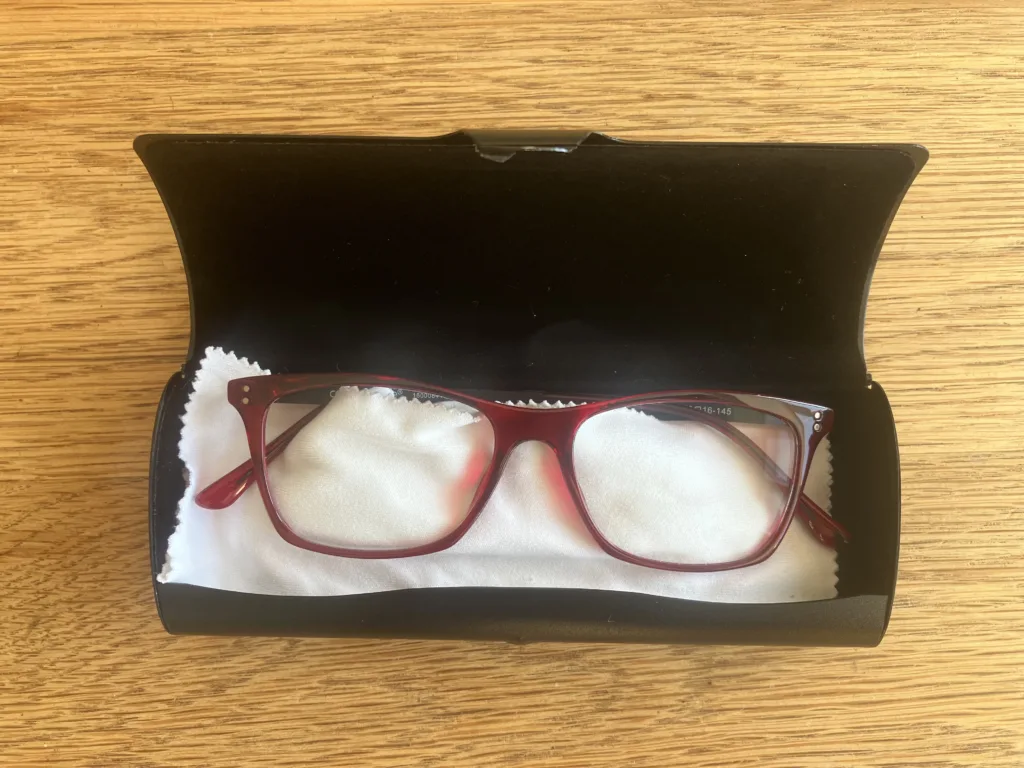
I included my glasses because I only use them when working on the laptop.
Last year, I suddenly became nearsighted. So I went to an optometrist in Zagreb. They said my eyesight was great, except that working on the computer had made one of my eyes “tighten,” so I’m using these temporarily to fix that problem.
If anyone uses blue light glasses while traveling, let me know if they work in the comments. I’ve toyed with getting a pair.
My aluminum carrying case is fantastic because the one they give you at the optometrist is typically heavy and can break quite easily. This is very protective and lightweight.
6. Plastic foldable laptop stand
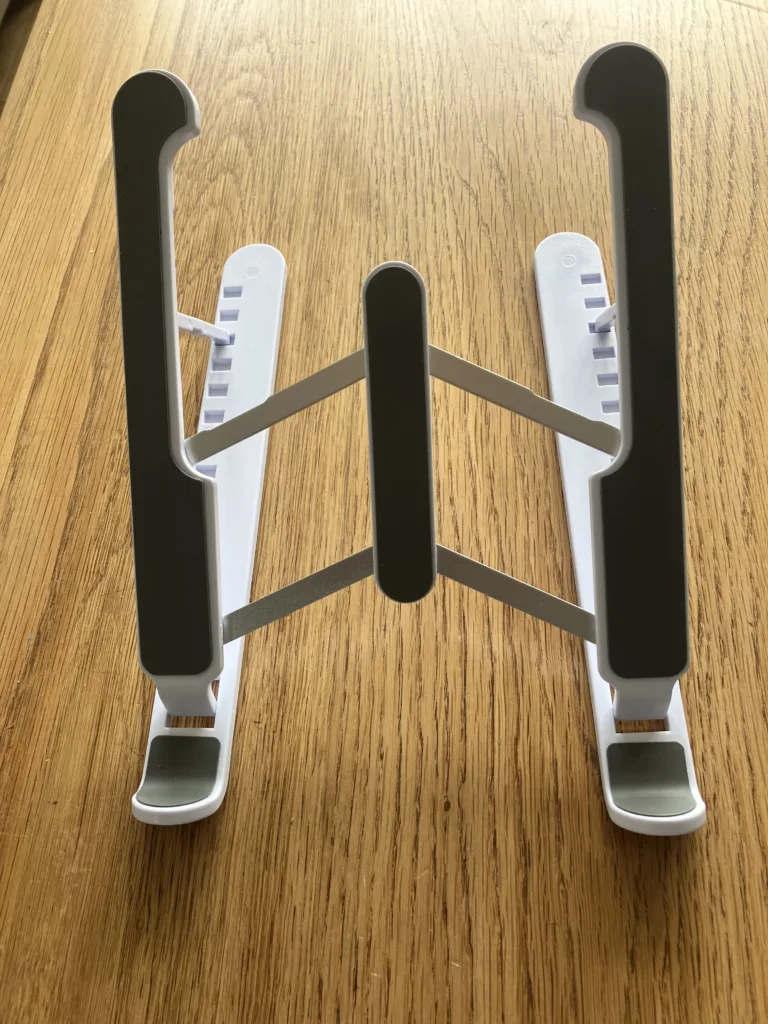
A relatively new addition to my work setup. I had a heavy version I rarely used, so I got rid of it and just used whatever was at hand to prop up the laptop.
This laptop stand is flimsy but sturdy enough. It also folds up well and is very lightweight. I definitely recommend getting one, though you’ll probably need to test out which one works best for your line of vision.
Essential Tech Gear For Digital Nomads: Sound
7. Bose noise-canceling headphones

These are my lifesavers.
I don’t even use the noise-canceling function anymore (it creates an odd suction) — I use them as ear-protecting headphones to block out small noises and listen to music and podcasts.
You’ll probably buy the wireless Bluetooth headphones, and I can’t blame you. The cord is a pain, but I’m too sensitive to Bluetooth and Wi-Fi signals in my ears to use those versions.
Productivity tip: When I put these on in front of the computer, it signals to my brain that it’s time to focus and get to work.
8. Replacement ear cushions & cord for headphones

I’m only discussing these replacement earpads and cord items because it’s worth considering whether you’ll need to bring backup items with you.
For example, since everyone uses Bluetooth headphones now, it would be easier to buy a replacement pair on the road than to special order these (older) replacements. Just something to consider when you’re packing.
9. Wired earbuds + backup pair
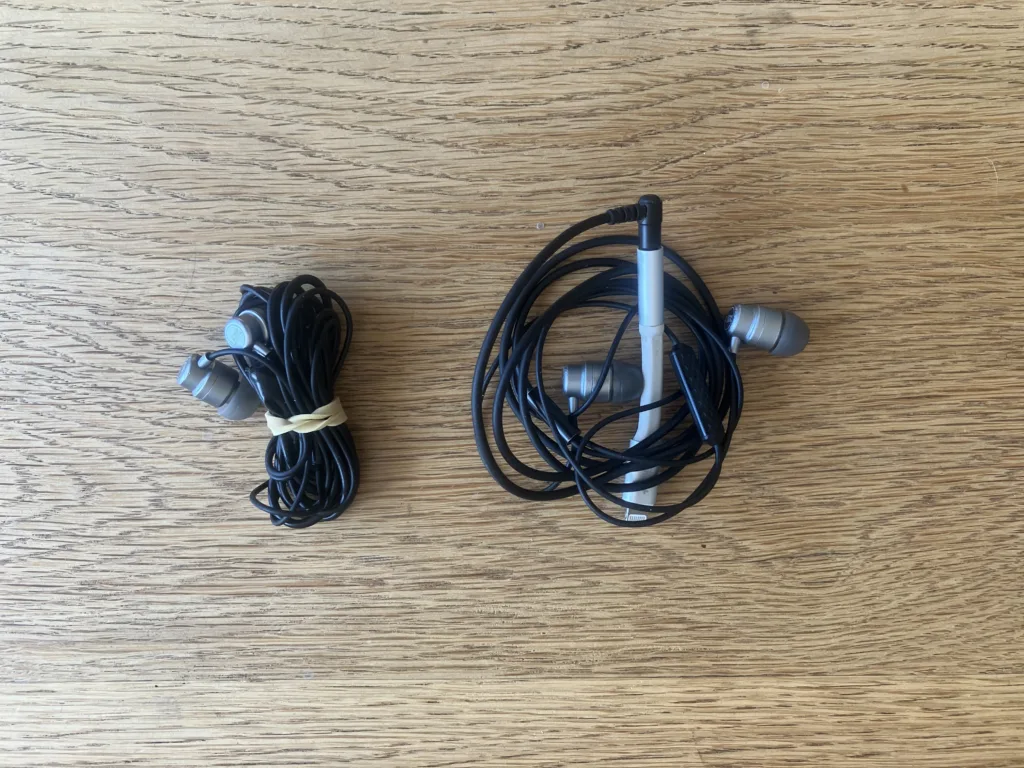
Even if you prefer a fancier version of Bluetooth earbuds, consider having a wired pair in your bag as backup. It’s so easy to lose an earbud (my partner has done it multiple times). Also, the little squishy ear coverings can be lost, so consider having backups.
10. QuietOn earbuds
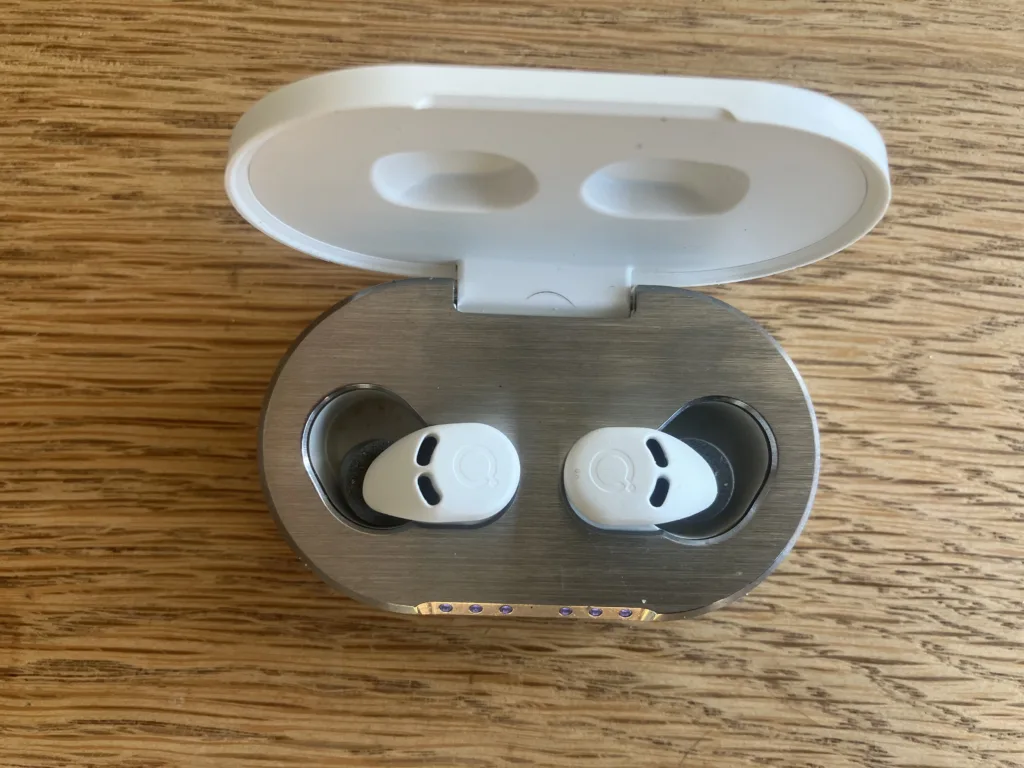
There’s nothing worse than settling down to a new place only to discover that your neighbor’s dog barks all night.
You need a way to block out noise.
If you prefer those hard plastic earplugs, that’s a much cheaper option than these earbuds (truly amazing noise-canceling earbuds you can sleep in without Wi-Fi/Bluetooth signals).
I LOVE these earbuds. They work when every other trick has failed.
Essential Tech Gear For Digital Nomads: Other Items
11. Kindle: The question mark remains
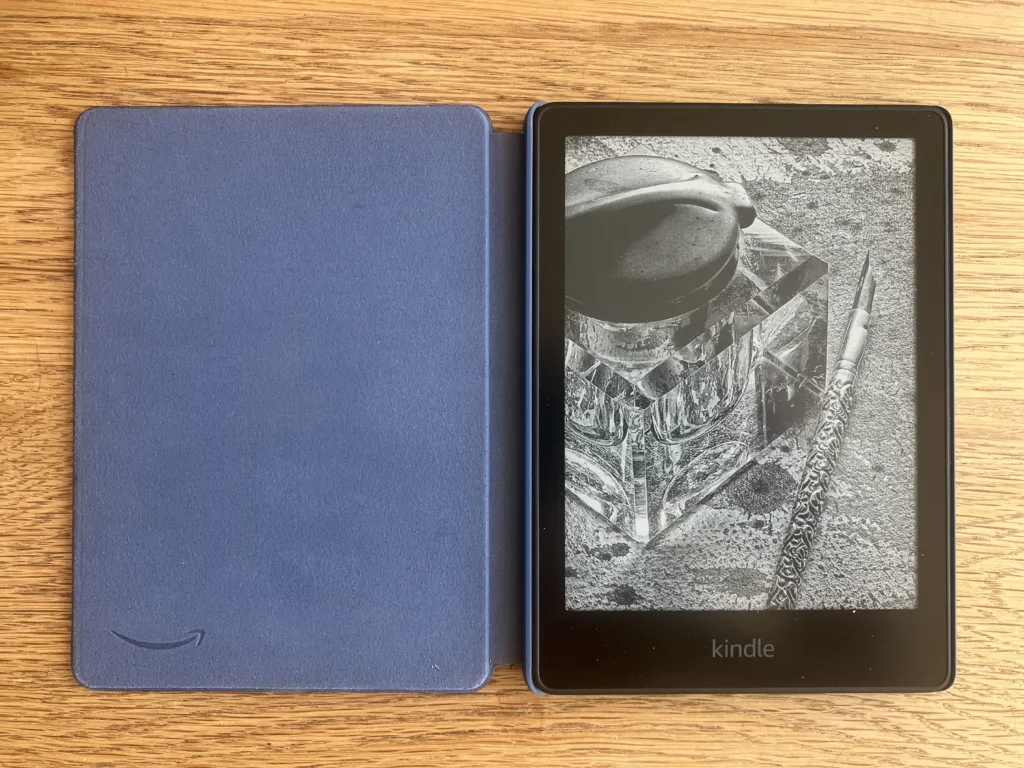
In a fit of self-improvement fury, I bought a Kindle last winter. I have a small phone and was sick of reading books on the tiny screen.
I also thought I’d read more if I had a Kindle. But I’m still on the fence about whether it was worth it.
Pros:
· Easier on your eyes.
· Larger screen than a phone.
· A physical reminder to read.
Cons:
· Heavy for its size.
· Yet another electrical device to haul out at airport security.
· Not sure I use it enough to justify it.
· Problems uploading books in particular countries.
This last point is one you might not have considered. In Albania, I couldn’t receive a gift book and upload it because I was in Albania (and you cannot install a VPN on a Kindle).
If you have a tablet instead of a laptop, use that as your reading device. Otherwise, consider this option if you do read regularly. Don’t get it hoping you’ll use it — that’s a packing trap!
12. Charging cord for Kindle, fan, and earbuds
These are obvious since they come with the devices, but see if you can whittle your way down to one or two. You’ll rarely need to charge everything at once.
13. USB cords, lightning charging cords, USB converters
Sort out your cord issues before traveling. Not only is it often hard to find replacements, but buying a new version of something can often mean that it no longer works with another device.
14. USB backup battery charger
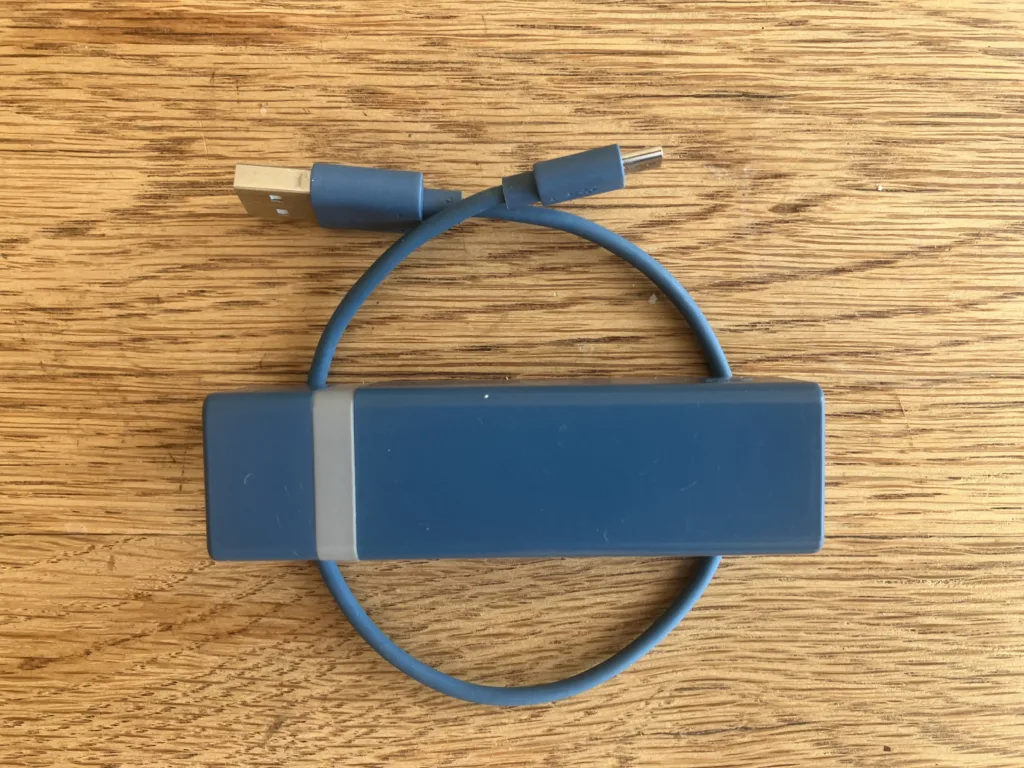
I still don’t know whether it’s a myth that these accumulator battery chargers harm your phone battery life over time. In any case, I have a backup one because you never know when your phone battery will die.
You might have a better solution than mine, but the point is to have a backup battery charger.
15. Universal adapter
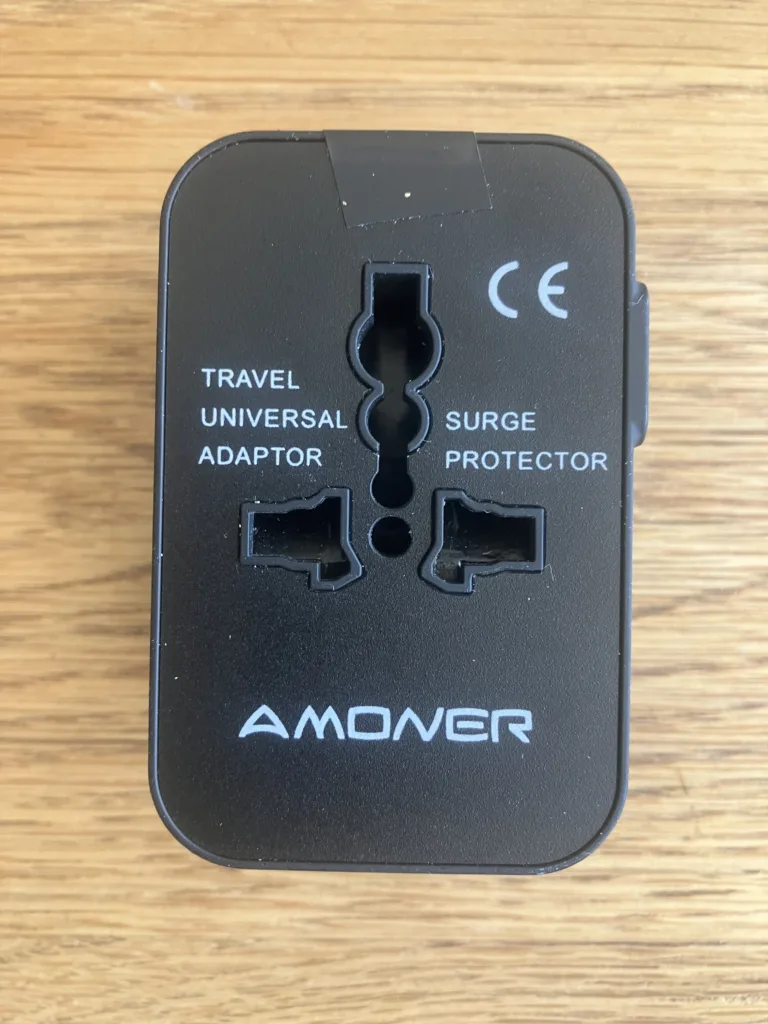
A universal adapter is handy, and it can double as a phone charger because it has USB plugs.
16. USB Mini fan
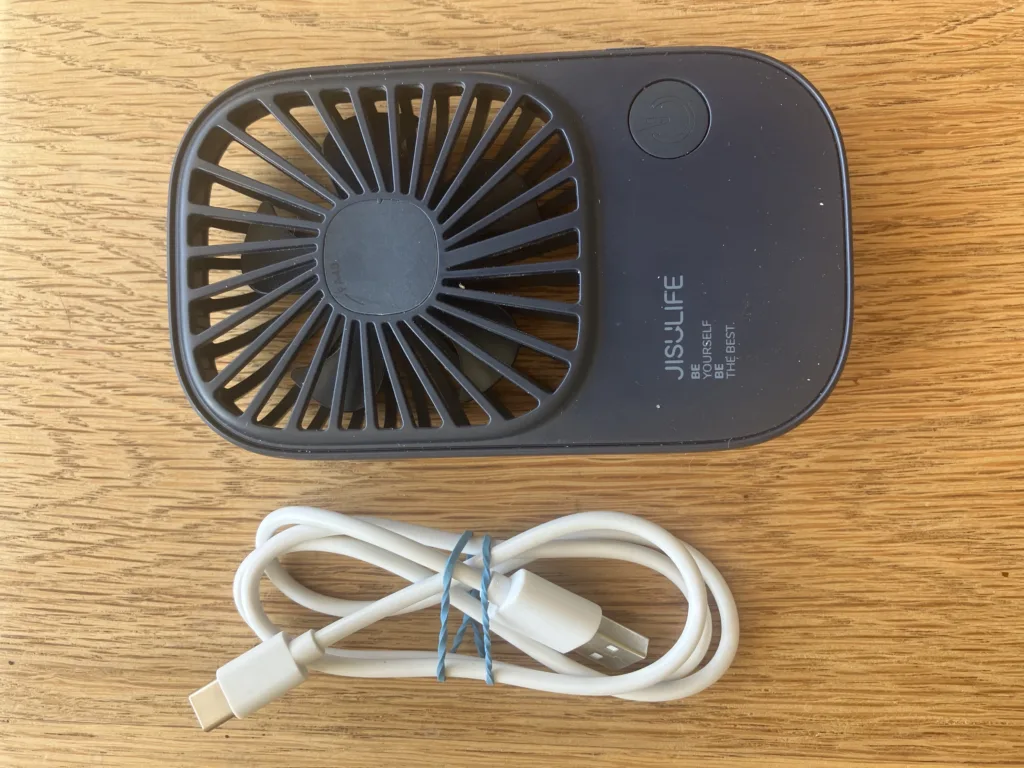
I had a larger version of this mini USB fan that was ridiculous, especially because it randomly turned on while it was packed in my luggage!
This one is pretty good because it’s much smaller. It still has a bit of a whirring/whining that’s not my favorite, but it works in a pinch if I need to breathe while sleeping or working or need white noise while sleeping.
17. iPhone
The yellow sticky represents the phone since it was taking the picture.
My old SE was the first generation from over six years ago, so it was time for a new phone. The size works great for me because it fits into my pocket easily.
What about sim cards?
Local sim cards and Esims deserve their own article. Either way, it’s not going to take up much space!
18. 2 backup AA batteries
I rarely need batteries, but it seems to be a nomad law that whenever you’re without backup, your one working item will drain its batteries (in this case, my mouse).
19. Bent paperclip

Last but certainly not least.
I just used this handy little item while typing this story because our internet signal vanished.
Internet modems around the world still have those tiny holes used to reset the internet. I’ve used this large bent paperclip at least 10 times in different housesits or short-term rentals.
The internet will go out. We all know that. So have this super packable helper with you — nine times out of ten, it will solve your problem.
Essential Tech Gear For Digital Nomads: Storage
20. Zippered non-padded pouch for laptop
An old leather zippered case for papers — that’s my laptop case.
No, it’s not padded, nor is it waterproof. But it’s enough to prevent liquid spills from ruining it. I’ve not had any problems with it, but if your digital nomad lifestyle involves a co-working space, you might want a more protective cover.
21. Bose case
I’m mentioning the headphones case because it’s a major packing pain. Honestly, I’m not sure it’s worth it — perhaps packing it in a softer case would be better. On the other hand, it’s easy enough to break it, and I don’t want to chance it. Another one of those your-mileage-may-vary items.
22. Durable and squashable ziplock bags
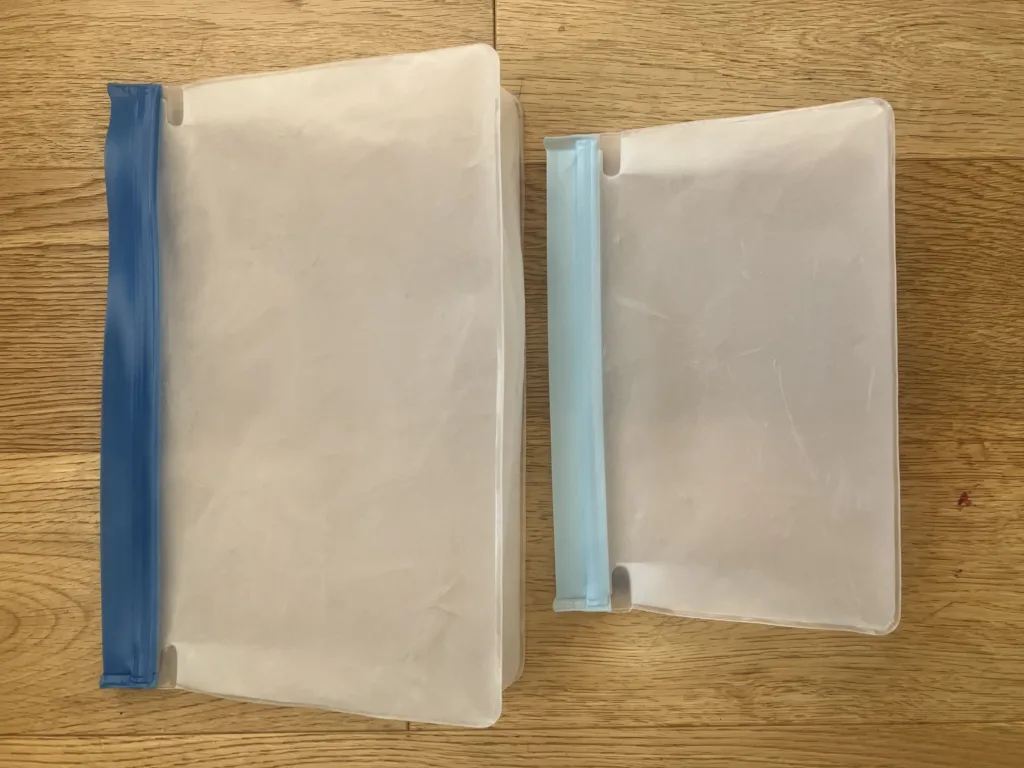
Like many nomads, I’m still searching for the perfect cord-organizing system. Let me know if you’ve found one that isn’t too bulky! These reusable bags are the best solution I’ve found so far.
Essential Tech Gear For Digital Nomads: FAQs About Other Gear
What About External Hard Drives?
Because I use a continual backup service, I don’t have an external hard drive (knock on wood). Quite honestly, I’d be more likely to damage that than I would my computer.
What About Portable WiFi Routers?
Portable WiFi routers and data plans are great if you’re a van-lifer, partially backpacking, or living on a boat. We’ve looked into it, but the expense and hassle aren’t enough for us since we’re housesitting (and wifi is a requirement before we accept a housesit).
What About A Portable Bluetooth Speaker?
I broke down and bought a portable Bluetooth speaker after seeing how fun it was to have it inside a sauna (the housesit in Helsinki had a sauna in the apartment, as many do there).
If you’re planning on lots of parties or just being in places where you can crank up the volume, a portable speaker might be worth it. But if I need to do that, I can use my headphones or computer just fine. Plus, we often stay in a place with a much better sound system than a portable speaker.
Bottom Line: How Much Space Does Tech Take?
All in all, digital nomad tech actually takes up relatively little space in my bag. The bigger consideration is weight, but that’s only an issue with your laptop. Regardless of whether you’re team check-on or carry-on, you’re likely to carry on your laptop anyway.
But tech gear lists can be intimidating because bringing your whole work life on the road can be intimidating.
But it doesn’t have to be.
Though there are 34 items on this nomad packing list, it really boils down to this equation:
Laptop + Accessories + iPhone = A reliable work setup
If you’re worried about ergonomics, one of the many benefits of remote work is that you generally move about more.
The previous ergonomic issues I had have all disappeared since becoming a nomad.
This might not be true for you, but it’s worth experimenting in shorter bursts if you’re considering full-time slow travel.
I expect it’s the fact that I’m actually not working at the same desk for months and years on end that helps. If I have an uncomfortable workstation in a new place, I either get creative about improving it (e.g., propping up my computer with stacks of books) or switch work spots at the new place, knowing I will move on within a few months at the longest.
I’d never suggest that people don’t have genuine medical needs in this area — I’m simply explaining my rather surprising experience with working on the road.
Finally, don’t forget that you can also benefit from a digital declutter of your computer as well.
Happy packing!